
Run the two-minute interval and record who caused the delay
Two minutes between every game, the decider included. Pause it, end it early, or record who caused the delay.
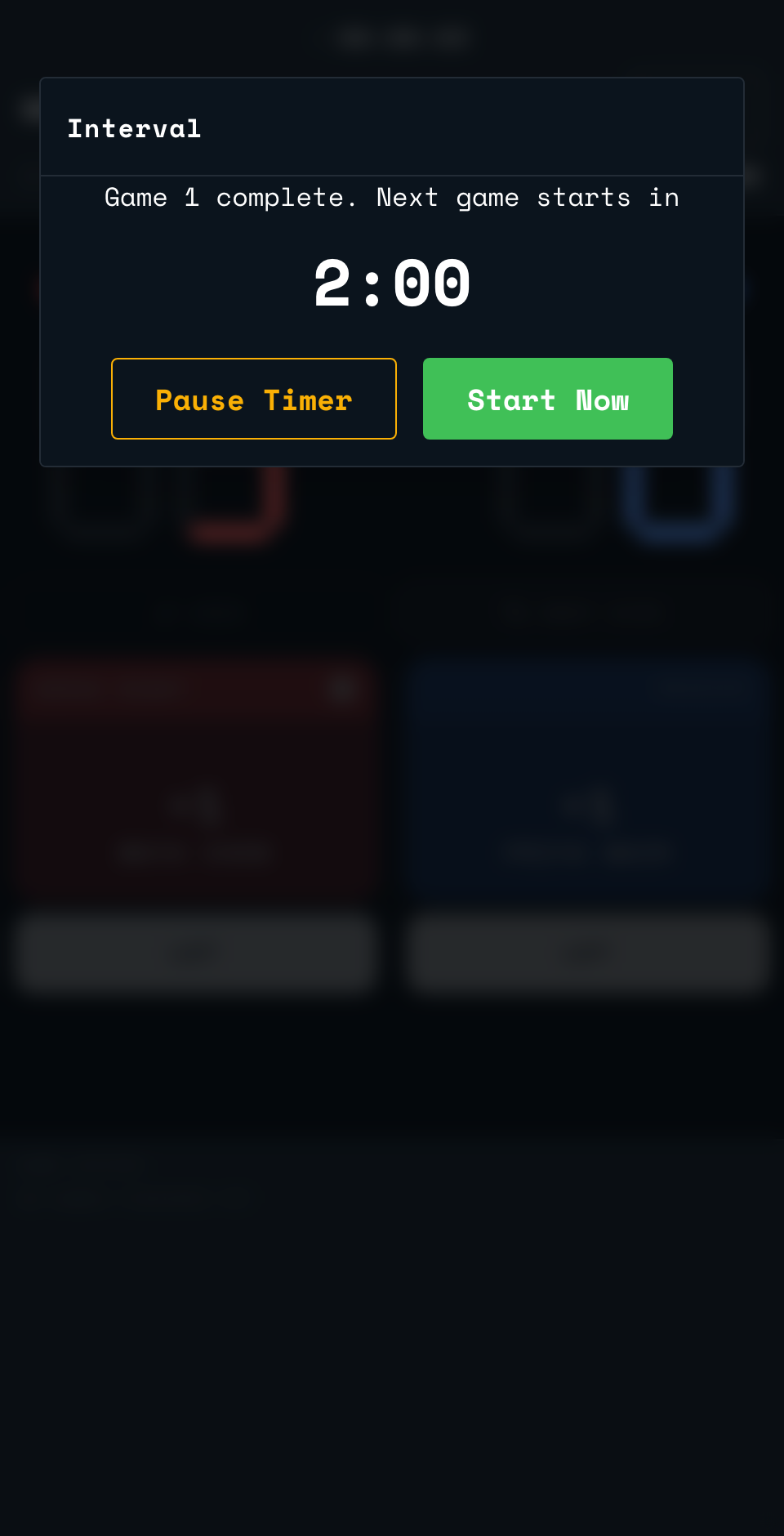
When a game ends and the match is not over, SCRD starts the interval once you confirm the score. The rules give two minutes before every game, the decider included, so the last game gets no extra time.
- The Interval screen counts down from two minutes.
- Both players ready early? Tap Start Now to skip the rest of the wait and begin the next game.
- Need longer? Tap Pause Timer to hold the clock, then Resume Timer when you are ready to keep counting down.
If nobody taps Start Now before the two minutes run out, the countdown turns red and counts up instead of down, under a banner that reads "Interval over. Start the next game".
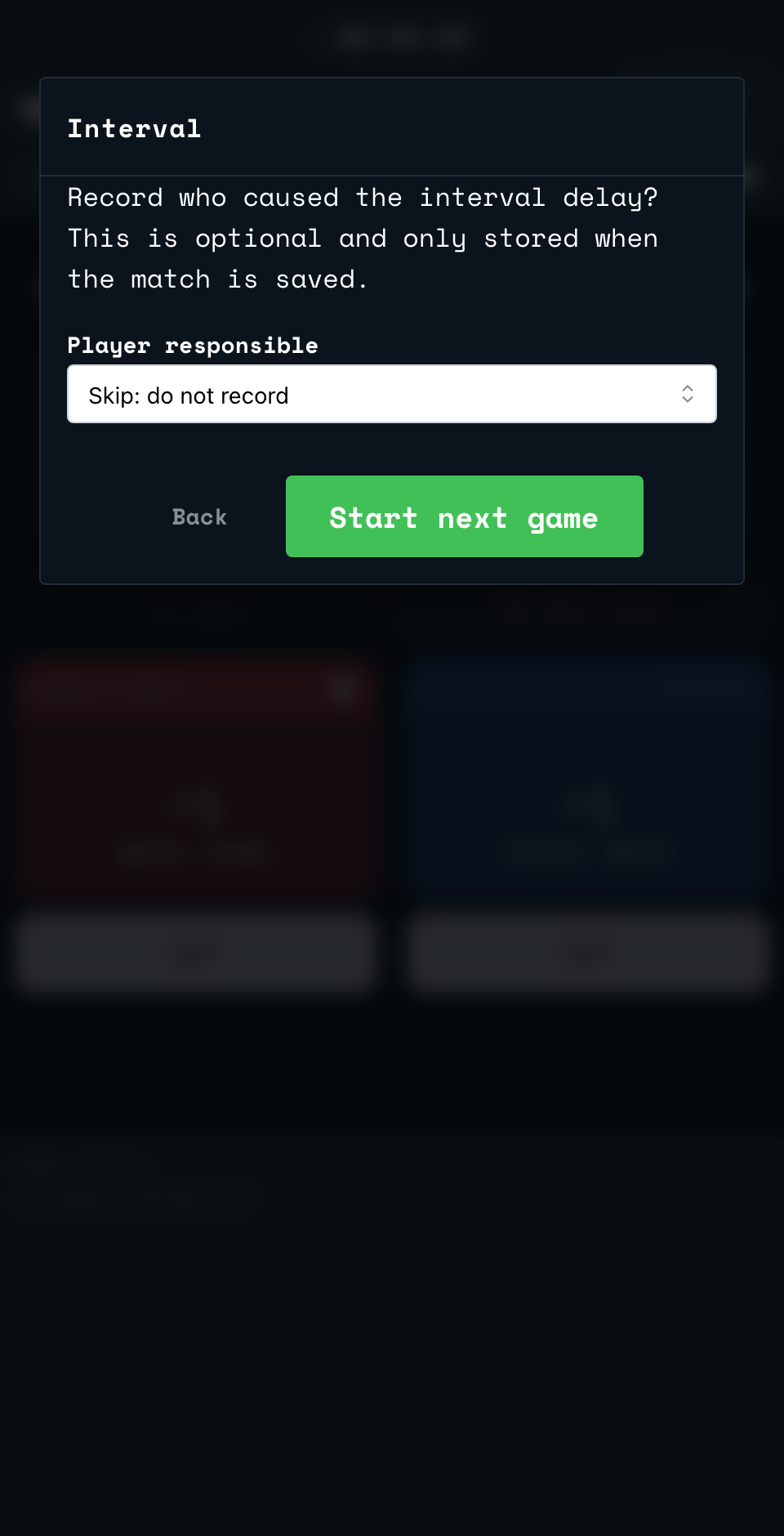
- Tap Start Now. Because the interval has run over, SCRD asks Record who caused the interval delay?
- Choose a player, or choose Skip: do not record. This is optional, and only stored when the match is saved.
- Tap Start next game to confirm, or Back to return to the interval clock without starting the game.
Back to the court
Point your phone's camera at the code on the court wall or the court TV. It opens the setup page for that court.
Open app.scrd.au