
Cancel a scheduled match
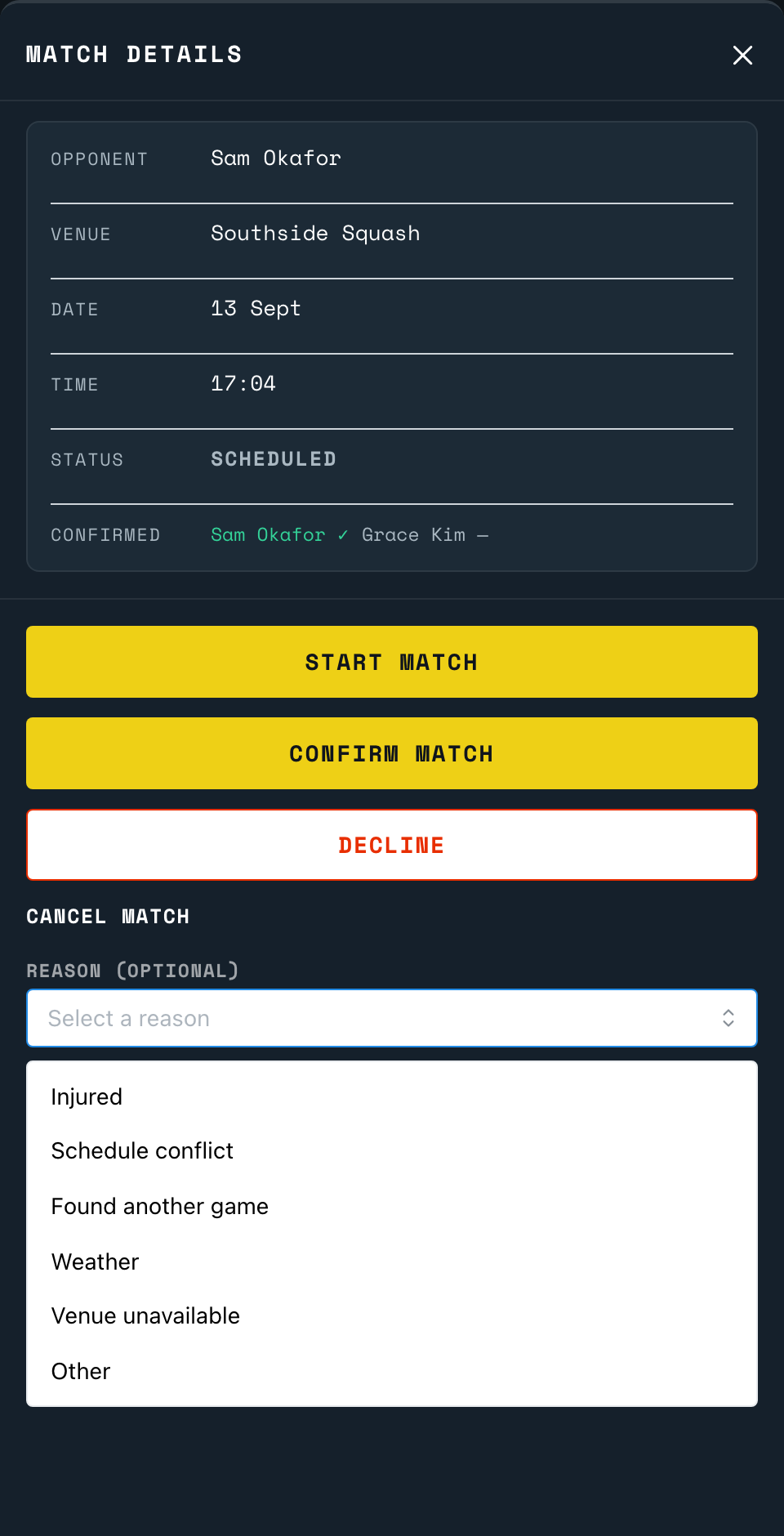
Pick a reason from the list. The other player finds out why, not only that the match is off.
Either player can cancel a scheduled match, confirmed or not, any time before its start time. Open the match from Upcoming and tap Cancel Match.
Cancel it
- Open the match and tap Cancel Match.
- Pick a reason: Injured, Schedule conflict, Found another game, Weather, Venue unavailable or Other. A reason is optional, but it travels with your cancellation.
- Picked Other? A short note field appears, up to 500 characters.
- Tap Cancel Match again to confirm.
The other player finds out straight away if they have the app open, by name and reason, for example "Jane cancelled your match (Weather)." Either way, the same detail is there next time they open it.
Back to the court
Point your phone's camera at the code on the court wall or the court TV. It opens the setup page for that court.
Open app.scrd.au