
Retire a match: injury, blood, walkover or an unplayable court
Someone is hurt, did not show, or the court is out. Retire Match records it the way the rules expect.
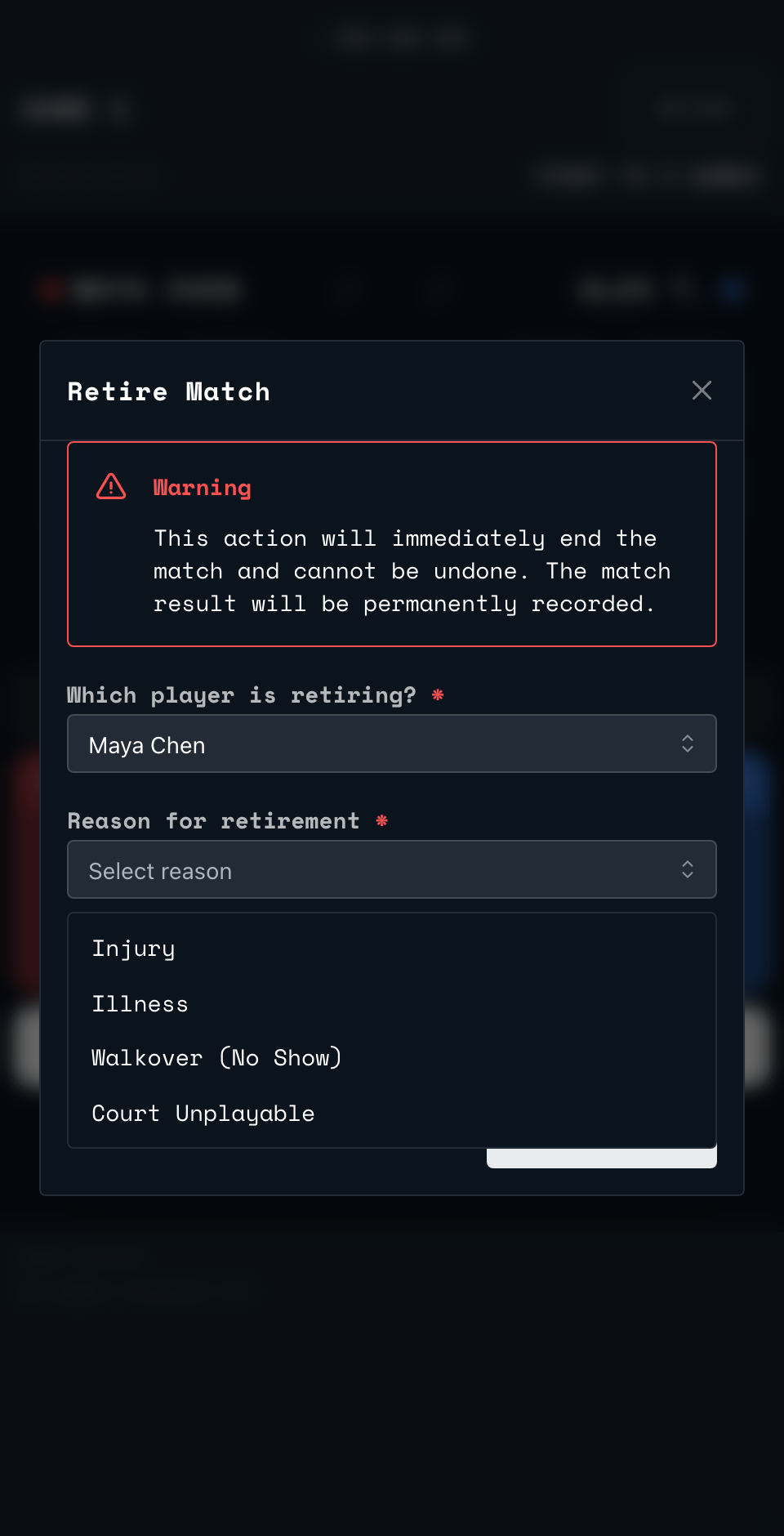
If a player cannot continue or the court cannot be used, tap RETIRE at the top of the referee screen.
- Choose which player is retiring.
- Choose a reason: Injury, Illness, Walkover (No Show) or Court Unplayable.
- If the reason is Injury, also choose a category: Self-Inflicted, Contributed, Opponent's Accidental Contact, Opponent's Dangerous/Deliberate Play, or Blood Injury.
- Add notes if you want to record more detail, then tap Retire Match.
Retiring almost always hands the win to the other player: illness, a walkover, an unplayable court, or an injury that was self-inflicted, shared between both players, or involved blood. There is one exception. If the injury was the opponent's fault, by accident or by dangerous play, the retiring, injured player wins instead.
The result screen for a retirement reads Match Abandoned even though there is a winner: that title just means the match did not finish in the usual way. The reason you chose is shown underneath it.
Back to the court
Point your phone's camera at the code on the court wall or the court TV. It opens the setup page for that court.
Open app.scrd.au