
Award a point and change the serve side
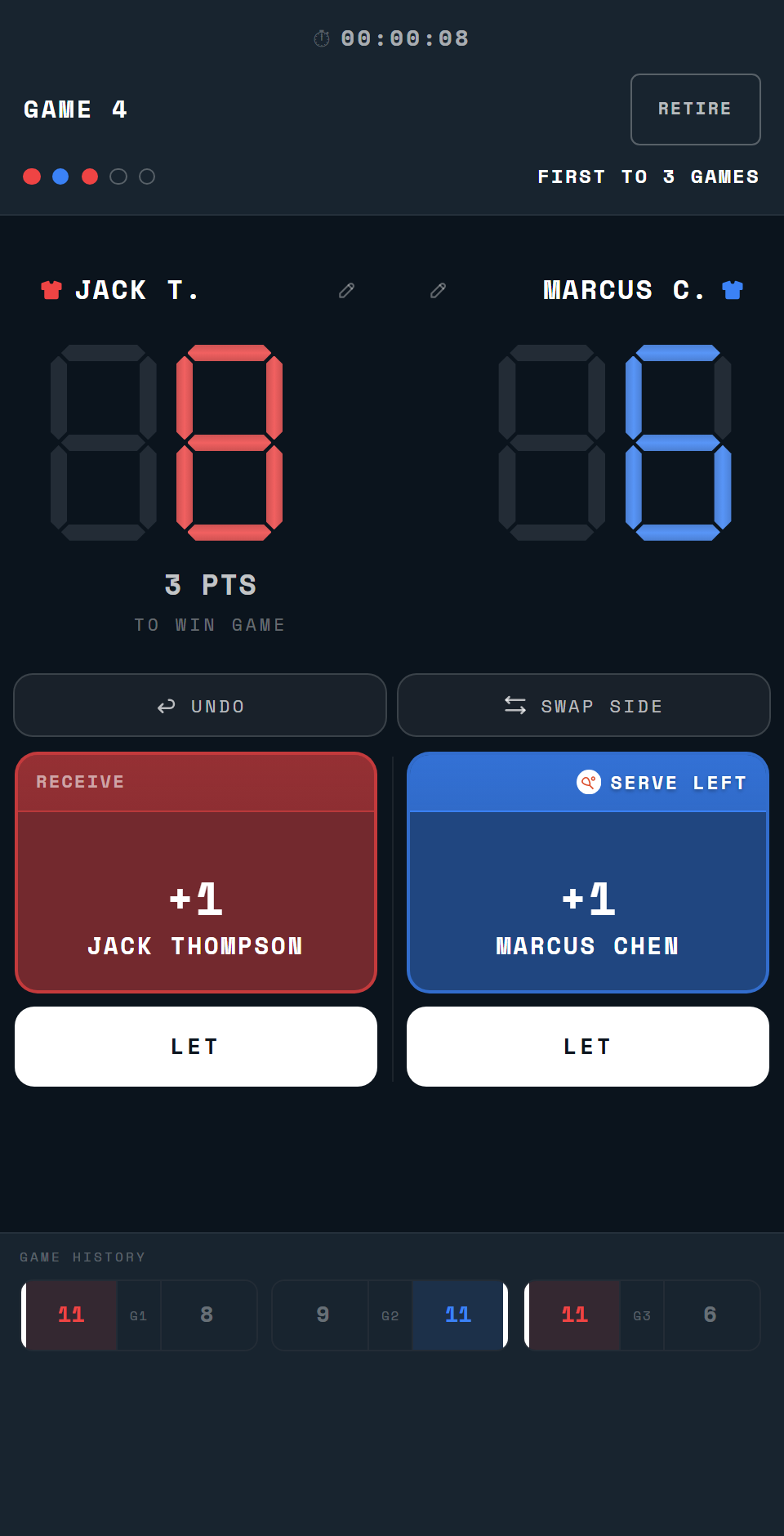
Tap the player who won the rally. The serve strip shows who serves and from which box.
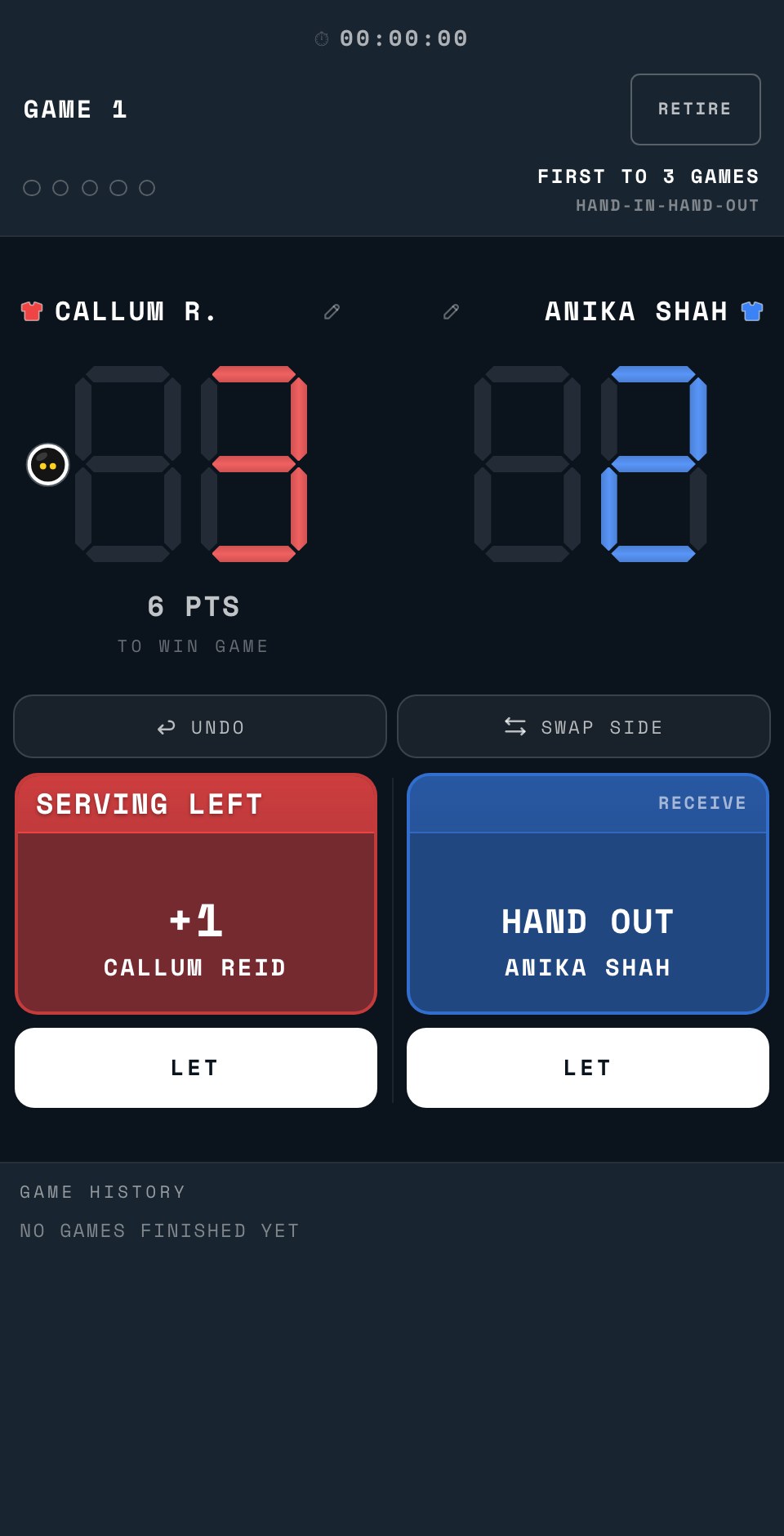
Tap the player who won the rally. SCRD adds the point, moves the serve, and updates the coloured strip across the top of their button to show SERVING LEFT or SERVING RIGHT.
- Rally scoring (PAR): every rally is a point, whoever wins it.
- Hand-in-hand-out: only the server scores. The receiver's button reads HAND OUT instead of +1: tap it when the receiver wins, and they take the serve with the score unchanged.
When the server wins, they keep serving and the box alternates, left then right. When the receiver wins, they become the new server: SCRD starts them in the box the last server chose at the start of their turn, or on the right if nobody has chosen yet this game. If they serve from the other box, tap SWAP SIDE, next to UNDO at the top of the scoring buttons.
Back to the court
Point your phone's camera at the code on the court wall or the court TV. It opens the setup page for that court.
Open app.scrd.au