
Accept, decline or cancel a match invitation
Confirm it, decline it, or cancel it, with a reason if you like. The other player finds out either way.
Find it
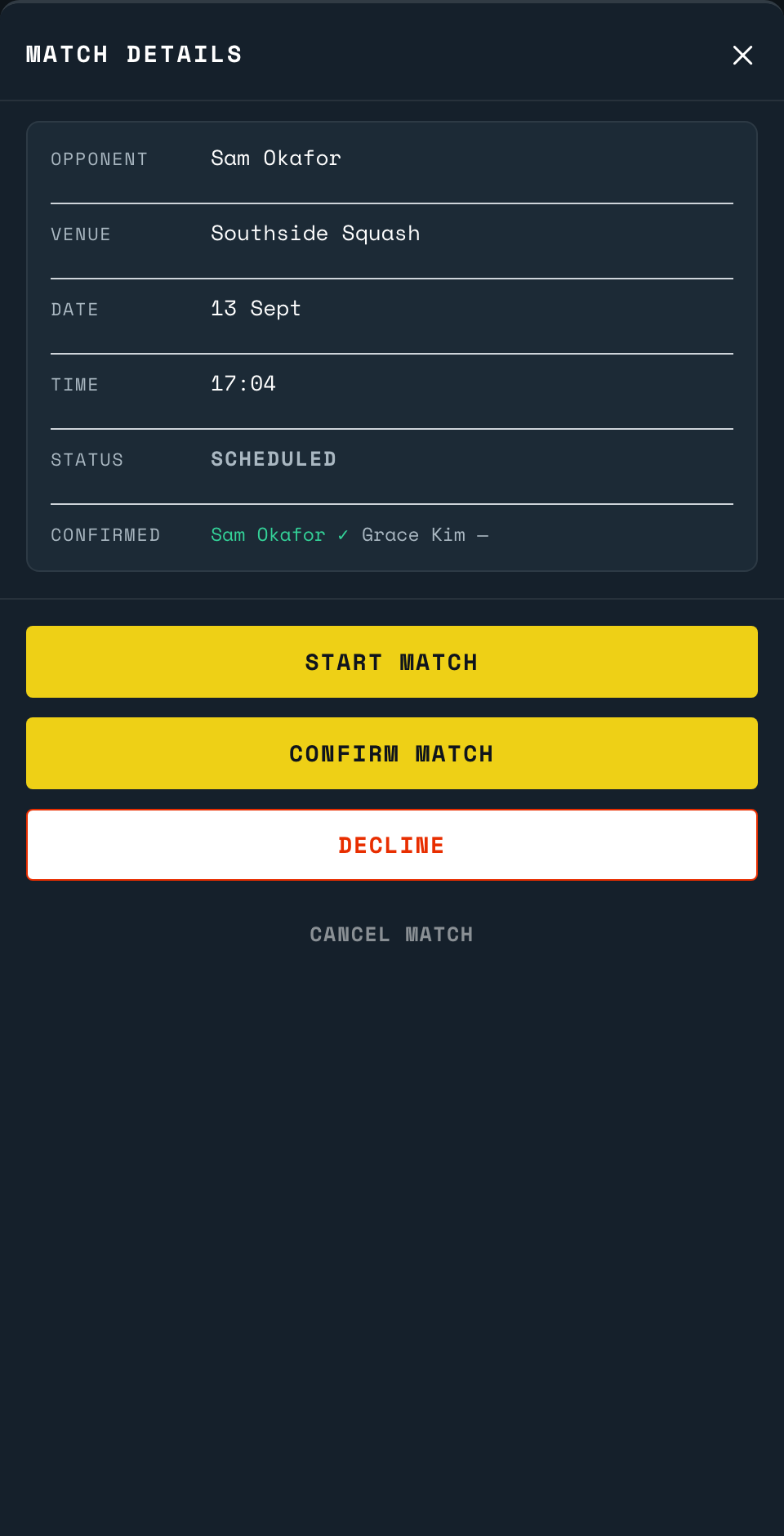
A match waiting on your answer puts a badge on the bell at the top of your home screen. Tap the bell, then the match, to open Match Details. It is in Upcoming too.
Answer it
- Confirm Match: you are in. The other player is told.
- Decline: tap it, optionally pick a reason (Injured, Schedule conflict, Found another game, Weather, Venue unavailable or Other), then Decline Match to confirm.
- Cancel Match: ends it outright for either player, confirmed or not. Same reason list, same two-step confirm.
Whichever you choose, SCRD tells the other player straight away if they have the app open, naming you, and the reason if you gave one. Either way, they see the same detail next time they open the match.
Back to the court
Point your phone's camera at the code on the court wall or the court TV. It opens the setup page for that court.
Open app.scrd.au