
Call a let, a stroke or a no let
Tap the let button for the player who asked, then choose. SCRD moves the score and the serve for you.
When a player asks for a let, tap the LET button under their scoring button. The Let Decision sheet offers three outcomes.
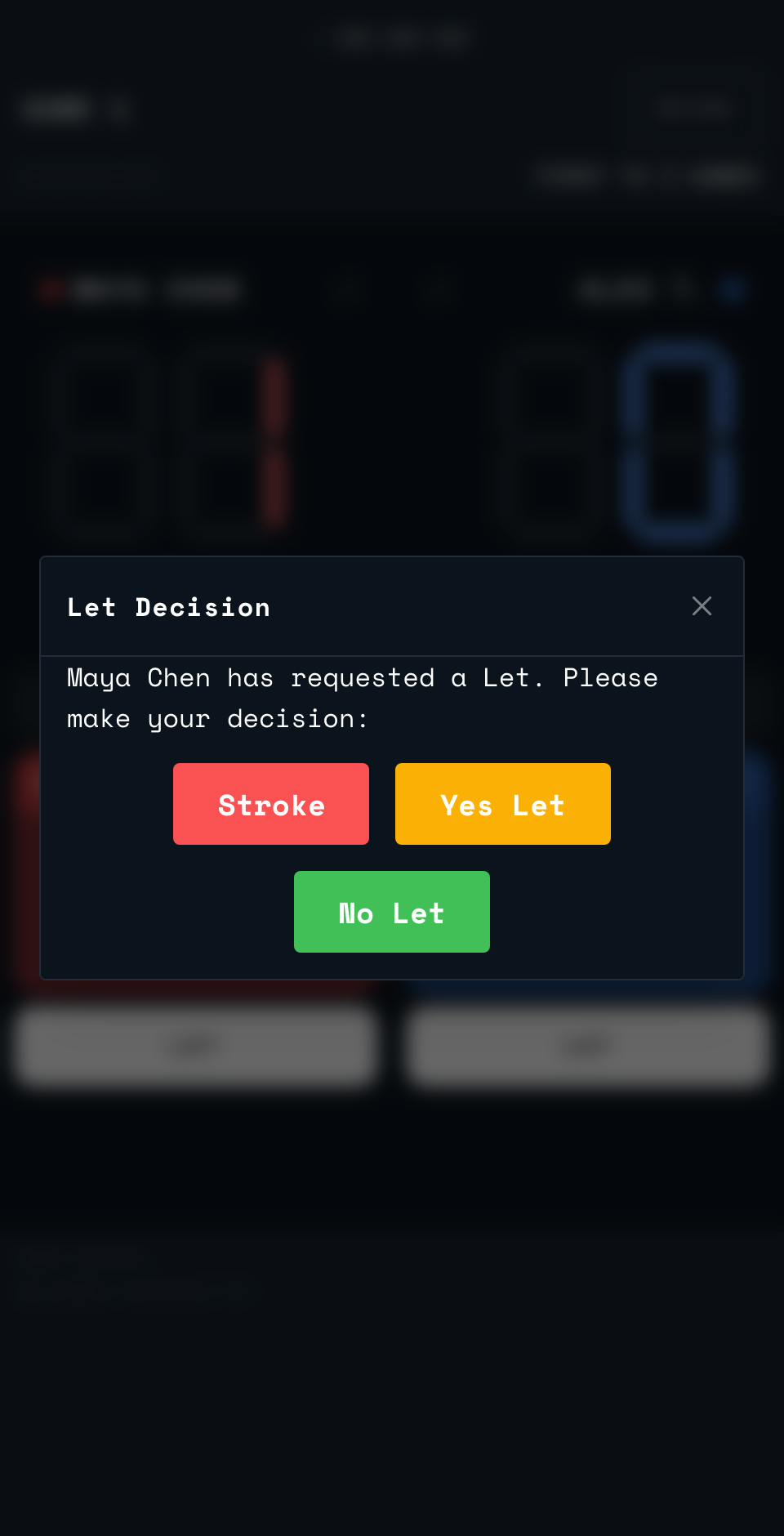
- Yes Let: the rally is replayed. Same server, same score.
- Stroke: the rally goes to the player who asked.
- No Let: the rally goes to the other player.
Under rally scoring, Stroke and No Let are always worth a point. Under hand-in-hand-out, they follow the usual rule: a point if the winner was serving, a Hand Out if they were not.
SCRD records the decision in the rally history, and the TV picks it up in its rally grid straight away. Made the wrong call? Tap UNDO to take it back, then tap LET again and choose the right outcome. After a Stroke or No Let, UNDO also takes back the rally it awarded. After a Yes Let, the score stays as it is.
Back to the court
Point your phone's camera at the code on the court wall or the court TV. It opens the setup page for that court.
Open app.scrd.au