
Share your profile publicly, or switch it off again
Public profile is off until you turn it on. When on, anyone with the link sees your record, form, head-to-head and trophies.
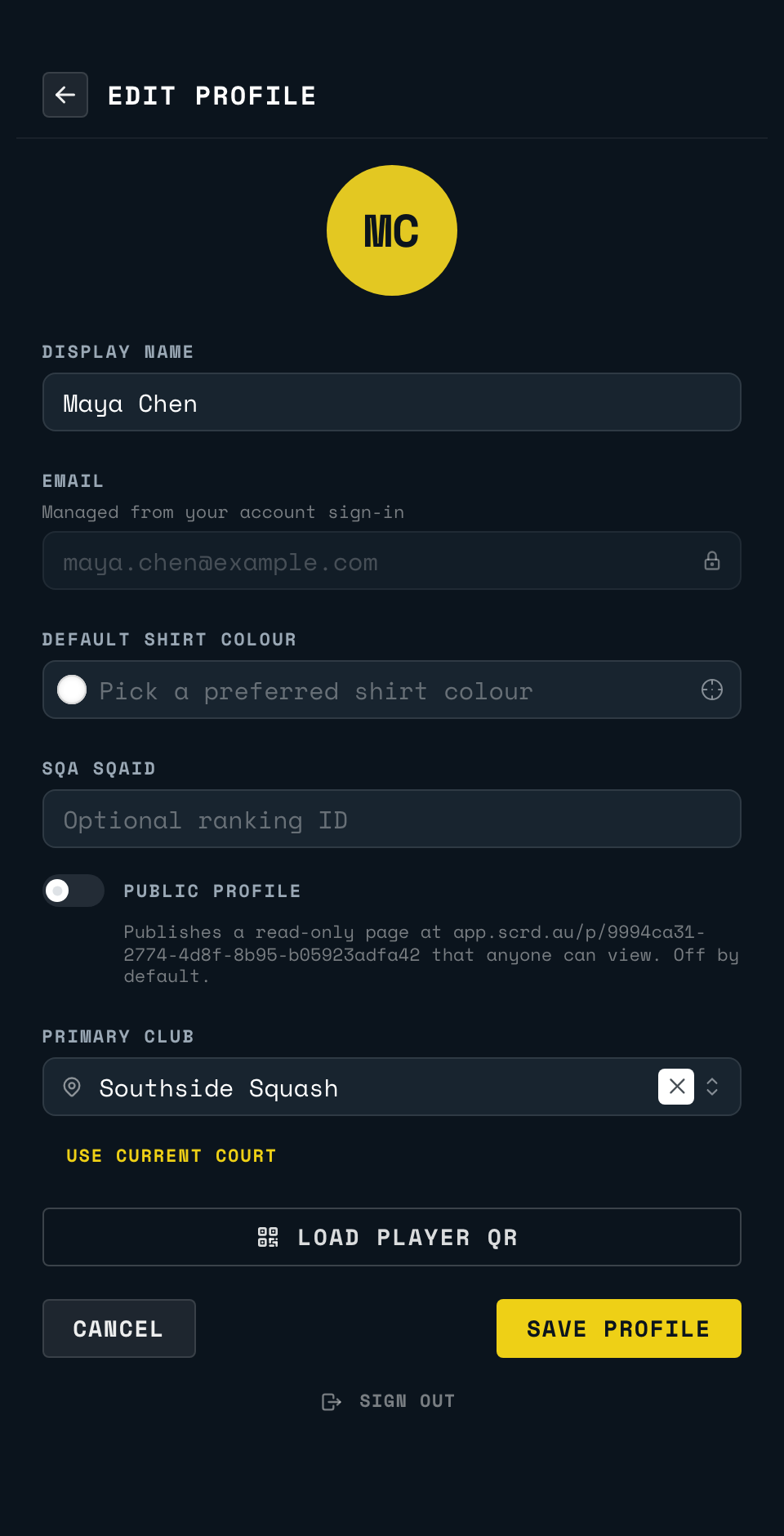
Your public profile is off by default. Turn it on from EDIT PROFILE: switch PUBLIC PROFILE on and tap SAVE PROFILE. That publishes a read-only page at app.scrd.au/p/<your player ID> that anyone with the link can open, no sign-in required. The link itself is printed under the switch.
The page shows your name and club, matches played, wins and losses, your recent form, your full head-to-head against every opponent you have played, and your earned trophies, plus the SquashLevels level SCRD holds for you, if there is one. It never shows your email or anything else from your account.
Back to the court
Point your phone's camera at the code on the court wall or the court TV. It opens the setup page for that court.
Open app.scrd.au