
Confirm the end of a game and the match result
Game Over asks you to confirm before the interval starts. After the last game, Finish match saves everything.
When a game ends, SCRD shows Game Over and names the winner. Tap Confirm & Start Interval to move on to the break, or Undo if the last point was wrong.

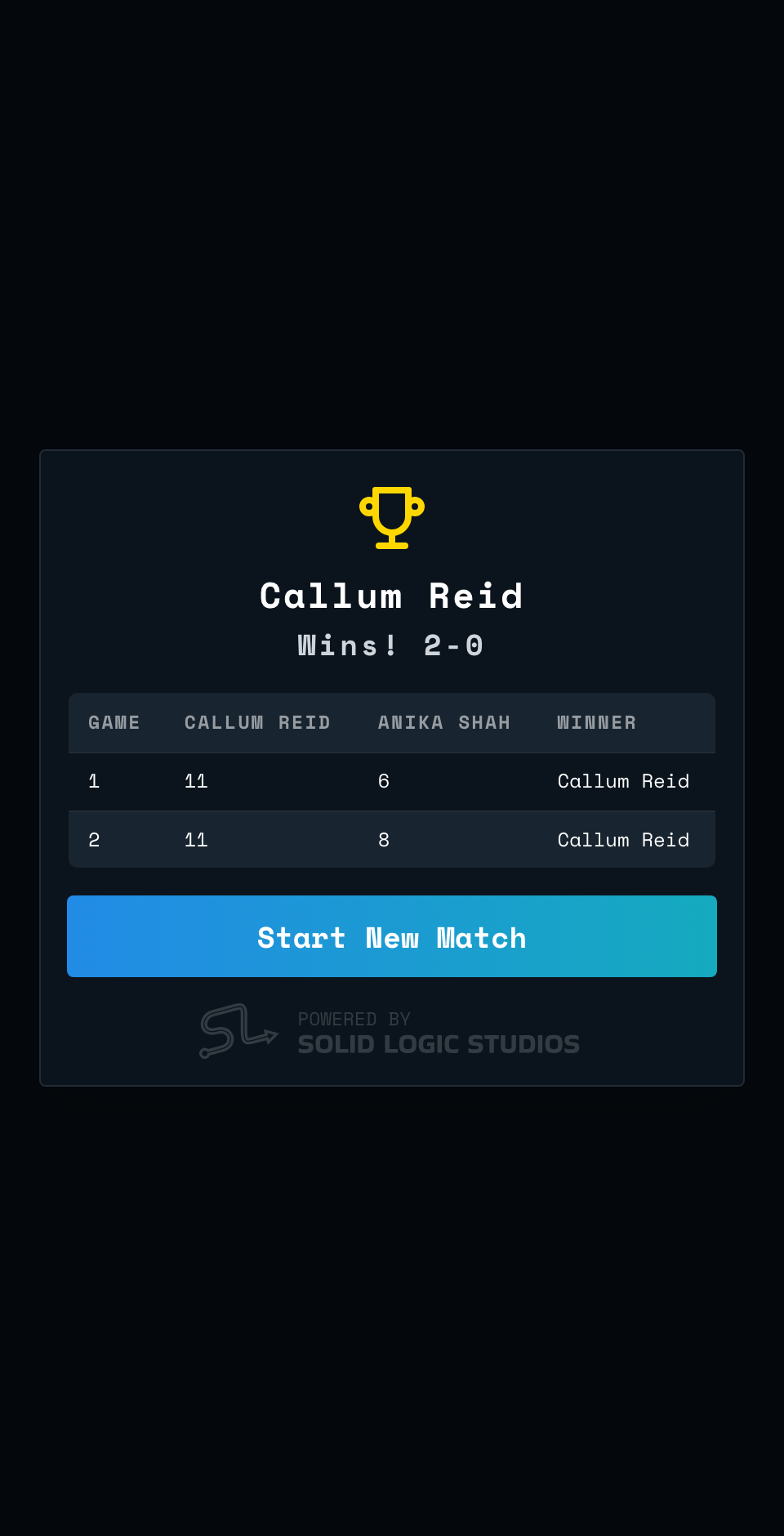
After the last game of the match, the same screen offers Finish match instead. Tapping it saves the whole match: every point, every let and the game scores. SCRD shows the result straight after, with a Start New Match button, and adds it to the record of anyone linked.
Back to the court
Point your phone's camera at the code on the court wall or the court TV. It opens the setup page for that court.
Open app.scrd.au