
Read the court TV: what every part of the scoreboard means
Scores, the serving indicator, the rally grid, game ball, the interval clock and the callouts. Who is up next once the match ends. And what it shows between matches.
Not every court has a TV. Where there is one, it mirrors the referee's phone, so nothing you do on the TV changes the match.
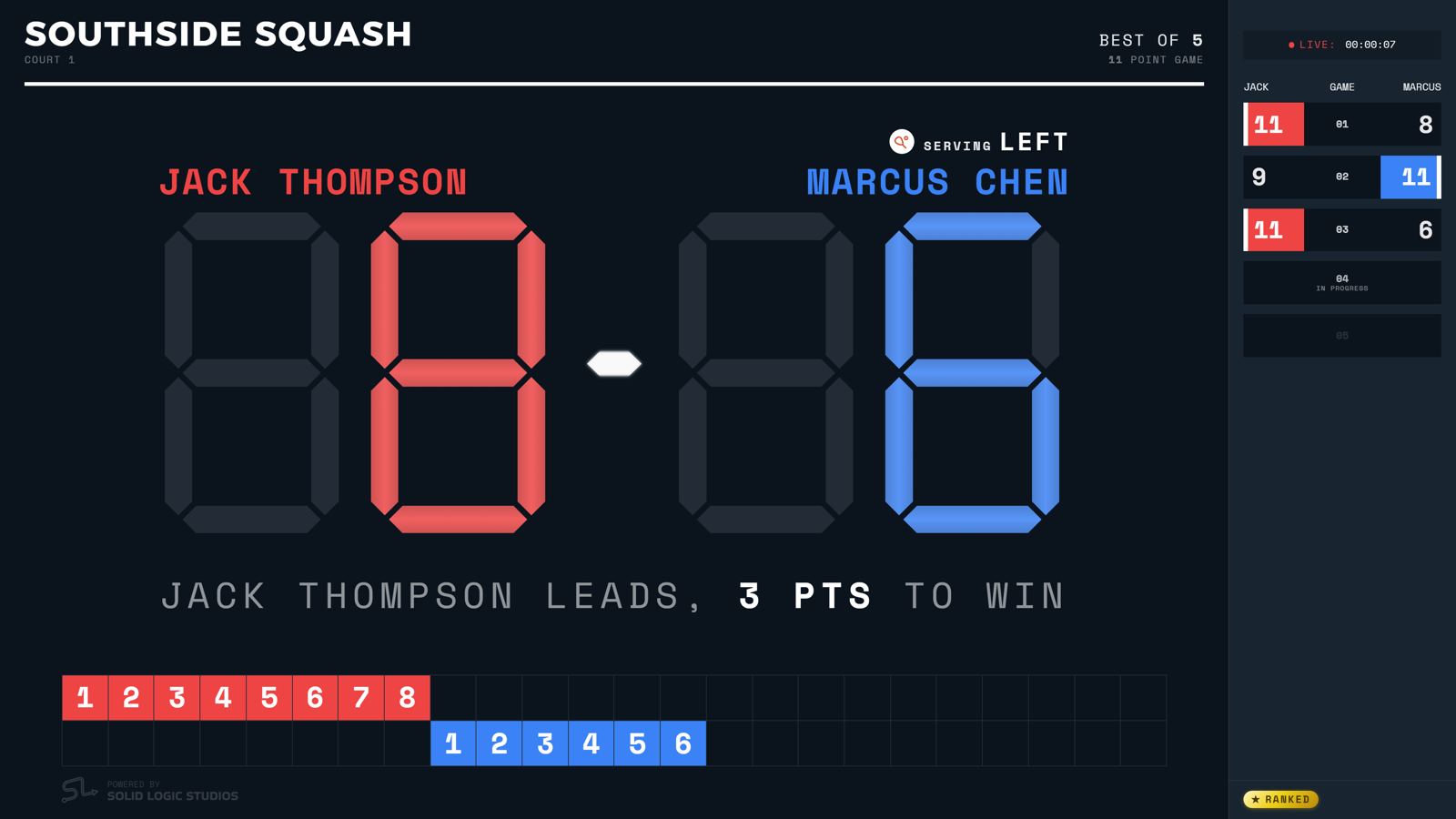
- The two big scores for the current game, in each player's shirt colour.
- The serving indicator: who is serving and from which box.
- The game-by-game sidebar and the rally grid, which is the history of every point in the current game.
- GAME BALL under the player who is one point from winning the game, and MATCH BALL when that point would win the match. A Total of match never shows MATCH BALL: every scheduled game is played whatever the score.
- A player announcement when the match starts, callouts during dramatic moments, and the countdown during the interval.
- The result when the match ends, before the screen goes back to its between-matches state.
- Under the result, who is up next on that court when a match is scheduled there tonight, and the match after if there is one. Otherwise up to three other matches still to play tonight, with their courts, from the same list the court QR offers.

Back to the court
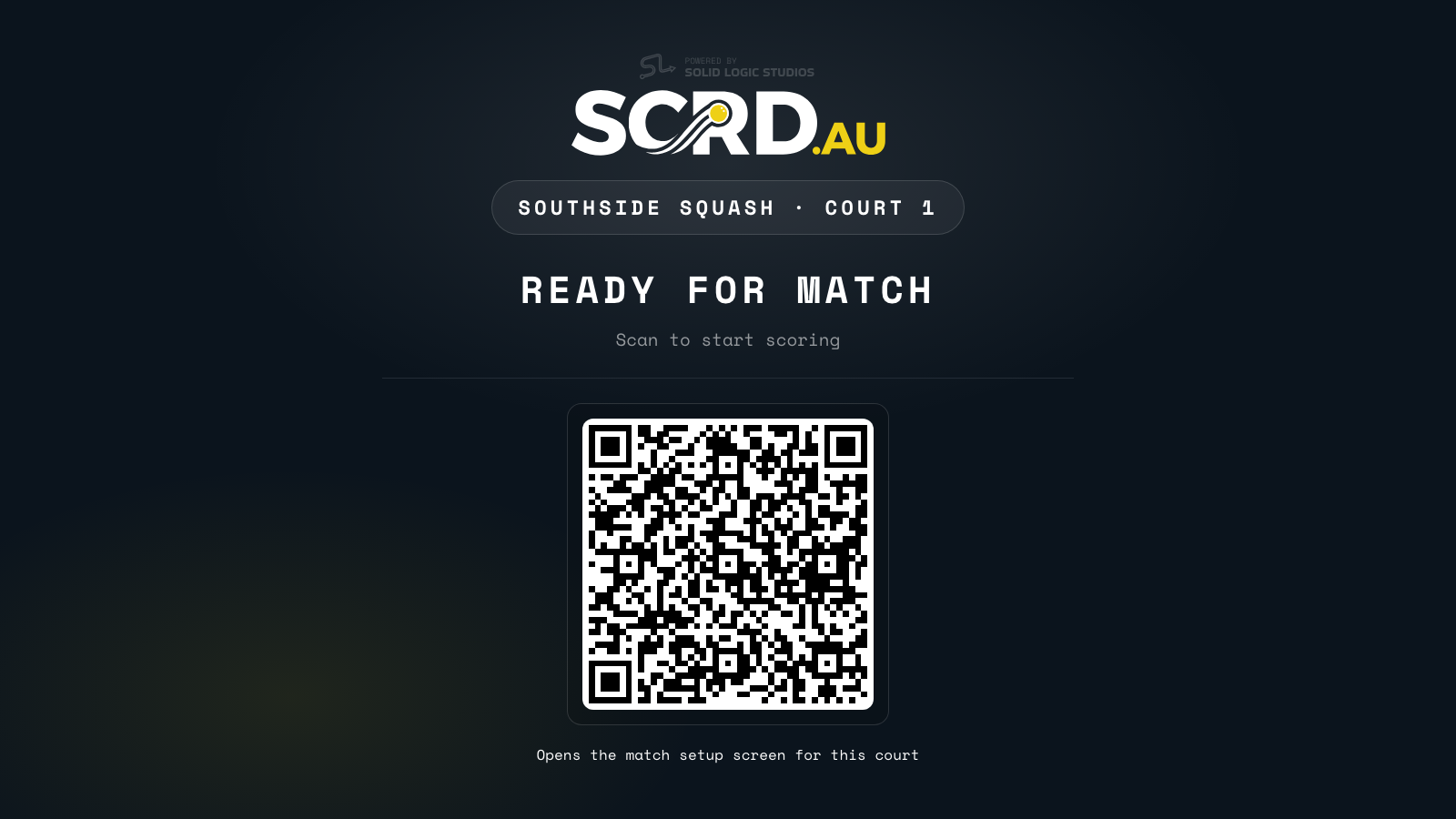
Point your phone's camera at the code on the court wall or the court TV. It opens the setup page for that court.
Open app.scrd.au